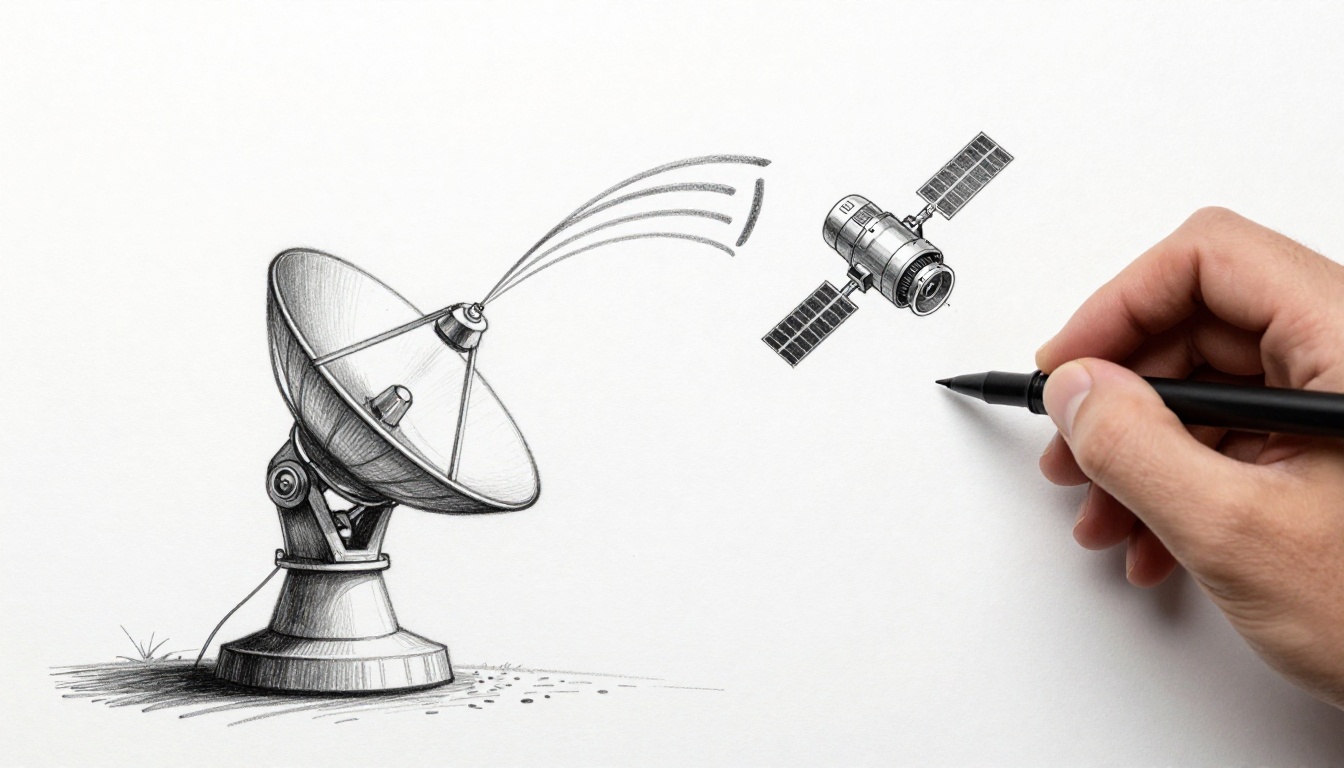
Satellite signals work a lot like invisible mail carriers. They take your message, wrap it in radio waves, and send it across the sky. Then they bring it back down so your TV, internet, or phone can work anywhere.
When you think about it, the path sounds mysterious. A signal leaves Earth, gets processed in space, and somehow lands at the right dish on the ground. So why do things sometimes lag, drop, or freeze? It usually comes down to what happens at each step, from uplink to downlink.
As of March 2026, modern networks use a mix of geostationary satellites, low Earth orbit (LEO) fleets, and smarter antennas. In the sections below, you’ll see the full step-by-step flow, how ground stations aim signals, what transponders do onboard, and how users decode the final data. You’ll also learn the role of key frequency bands like Ku and Ka, plus what’s improving in newer systems like Starlink.
Ready to see how it really works?
Starting the Journey: Turning Data into Uplink Signals from Earth
Your phone call or internet stream does not start as radio waves. First, it exists as bits, numbers, and packets. Then engineers turn that data into something a satellite can carry.
A good way to picture this is like packing letters for a fast flight. The “letter” is your information. The “post office conveyor belt” is the system that shapes it into a radio signal. After that, the signal goes to an antenna that can aim at a moving target in the sky.
Most satellite networks use ground stations. These facilities have large dishes, sensitive receivers, and precise tracking. They send a focused uplink beam toward a satellite. If you want a plain-English background on how satellite links work in general, see how satellite communication works.
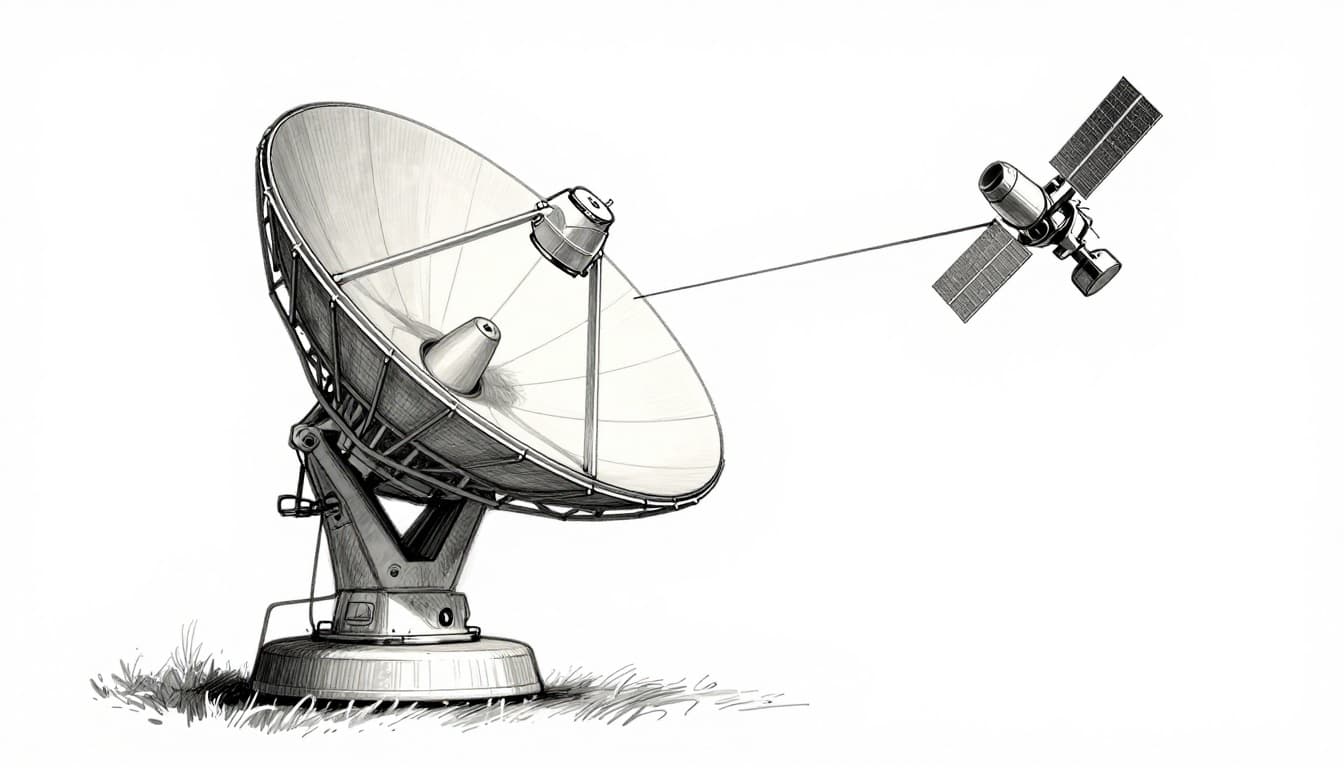
In simple terms, the uplink process looks like this:
- Take the data (video, voice, internet packets).
- Modulate it onto a radio carrier (more on this next).
- Boost power so the satellite can hear it through space and noise.
- Point the antenna at the satellite’s predicted position.
- Transmit the beam as uplink radio waves.
Meanwhile, satellites need more than payload data. Operators also send control signals, telemetry, and timing updates. All of that rides the uplink chain the same basic way.
The Magic of Modulation and Ground Stations
Modulation is the step where information gets “packed” into a radio wave. The carrier wave has a constant frequency, but modulation changes a property of the wave based on your data.
Common modulation types include schemes that vary amplitude, phase, or frequency. The key point is simple: modulation makes the radio wave carry data. Without it, the signal would be just a tone, not a message.
Then comes the ground station part. A dish is not a random “aim and hope” tool. Ground equipment uses tracking software and mechanical or electronically steered controls. Because satellites move (especially LEO), the station keeps updating the pointing angle.
Ground stations also coordinate with network systems. They choose which frequencies to use, how much power to send, and what coding protects your data from errors. In other words, modulation handles the “language,” but coding and power help the satellite understand it in real conditions.
If you want a straightforward description of how satellites relay and amplify signals, the fundamentals of satellite communication is a solid reference.
Why High-Power Antennas and Specific Frequencies Matter
A focused beam is the main reason satellites can work across huge distances. A parabolic dish acts like a spotlight. Instead of spreading energy everywhere, it concentrates energy where the satellite is.
That matters because the satellite receives a tiny fraction of the transmitted energy. Space is far away, and signals weaken with distance. Also, the atmosphere adds noise, rain, and small signal distortions.
So engineers pick a frequency band that balances performance and practical limits. Many broadband satellite systems use Ku-band or Ka-band.
Here’s how those bands generally relate to uplink and downlink in satellite communications:
- Ku-band often uses uplink around 13 to 14 GHz and downlink around 10.7 to 12.7 GHz.
- Ka-band often uses uplink around 27 to 31 GHz and downlink around 18 to 20 GHz.
- C-band is lower frequency and often helps with weather, with downlink around 3.7 to 4.2 GHz and uplink around 5.925 to 6.425 GHz.
For an easy-to-scan breakdown of these bands, see C-band, Ku-band, and Ka-band explained.
Just as important, uplink and downlink are usually split. That split reduces interference and helps the satellite’s transponder avoid hearing its own transmit echo. Most systems also use careful filters and frequency plans to keep signals clean.
In the Satellite’s Grip: Receiving, Boosting, and Repurposing the Signal
Once the uplink beam reaches space, the satellite does something that feels almost magical. It catches a faint signal, cleans it up, shifts it, and sends it back down.
Inside the satellite, the antenna cover collects the incoming uplink energy. Then the receiver chain hands the signal to the heart of the satellite communications payload: the transponder.
Think of a transponder like a space relay desk. It does not “understand” your data like a computer would. Instead, it translates the radio signal so the ground can receive it on the correct downlink frequency.
Also, satellites are not stationary in a way that matters. Even GEO satellites drift slightly, and LEO satellites zip past quickly. So onboard tracking systems and control loops keep the satellite pointed and operating correctly.
GEO and LEO also change the experience:
- GEO satellites stay over the same region, which simplifies targeting.
- LEO satellites move fast and support lower delay, but the network needs quick handoffs between satellites.
As of March 2026, LEO constellations are growing fast, and their link budgets depend heavily on antenna design and onboard processing.
Transponders: The Satellite’s Signal Superchargers
A typical transponder flow goes like this:
- Receive the uplink signal at the antenna.
- Demodulate or filter enough to reduce unwanted noise and interference.
- Amplify it so the downlink will be strong at Earth.
- Frequency shift it to the downlink band.
- Route and shape it to the right beam or coverage region.
- Transmit the downlink beam toward user terminals.
Frequency shifting is a big deal. It keeps uplink and downlink from colliding and helps prevent unwanted feedback. It also matches the network plan for which receivers on the ground are listening.
Amplification also has limits. Satellites must keep power levels within safe ranges. Engineers manage this with amplifier types, output control, and thermal design.
Finally, coding and signal processing help with errors. When rain or interference hits, stronger error correction can keep your connection usable. Of course, every fix costs something, like power or bandwidth.
Antennas and Power Systems Keeping It All Running
A communications satellite also needs stable power and stable orientation.
Most satellites use solar arrays to generate electricity. Then batteries cover periods when the satellite passes through Earth’s shadow. Power management circuits distribute energy to RF components, processors, and heaters as needed.
Then there’s the antenna side. A satellite may use spot beams, shaped coverage patterns, or phased arrays. Those features focus energy where it’s needed and reduce spillover into other regions.
For LEO systems, the satellite also needs efficient beam steering. As it moves, the satellite must keep track of where users are relative to its orbit path.
This is where new onboard processing helps. Real-time selection of links, better coding, and faster switching reduce the time you wait when the network changes which satellite you’re connected to.
The Home Stretch: Downlink Signals Landing Safely on Earth
After the satellite retransmits, the downlink journey starts. Now the signal travels down through the atmosphere again. It may face rain fade, clouds, or interference. Yet the downlink is designed so your equipment can decode it.
The overall goal is the same: send a radio wave that carries modulated data. But your receiver has less power than the satellite. So receivers use sensitive front ends and careful filtering.
Also, the downlink can use lower frequencies like C-band to handle rain better. Some high-throughput services use Ku-band or Ka-band anyway, but then they rely on adaptive techniques and better antennas.
On the user side, the process usually looks like this:
- Your dish captures the downlink beam.
- The low-noise block downconverter (LNB) amplifies and converts the signal to a lower frequency for easier processing.
- The receiver demodulates the signal, corrects errors, and rebuilds the original data.
Then your device translates that data into video, voice, or web traffic.
If you use a satellite internet service, the dish and receiver are basically the “final translator.” They take radio waves and turn them into something your router can route.
Your Dish or Phone: Catching the Downlink
Home satellite dishes work by reflecting the incoming energy onto a feed horn at the dish’s focus point. That feed connects to the LNB. The LNB then downconverts the signal so internal receiver stages can handle it.
Newer systems also aim to reduce the size and complexity of user hardware. Some designs support smaller terminals, and certain networks explore direct-to-device options, like direct-to-phone links or hybrid methods.
In practice, the receiver must do three things well:
- Lock onto the right frequency and timing (so it knows what it is hearing).
- Track the signal quality and adapt when conditions shift.
- Decode with error correction so packets recover even with some fades.
That’s why rain can cause slowdowns on higher-frequency links. The signal weakens, then the receiver leans harder on error correction. If the fade gets too strong, you see buffering.
Still, good systems keep recovery fast. They switch beams, adjust coding, and reselect satellites to keep service stable.
Cutting-Edge Updates and Tricky Challenges in Satellite Tech
Satellite communication has a lot of physics packed into a small package. Even with great engineering, signals deal with delay, weather, interference, and moving targets.
So what’s changing in 2026? LEO networks expand their capacity with more satellites, and they’re improving link efficiency with better antennas and smarter onboard processing. At the same time, operators keep pushing for faster switching and lower latency.
There’s also more interest in combining satellite links with cellular standards. This includes 5G non-terrestrial networks (NTN), where phones and IoT devices can connect through satellites using telecom-style signaling.
For a sense of how fast these networks are evolving, you can look at how Starlink’s constellation changes in real time. PCMag reported on Starlink lowering many satellites to improve signal quality in 2026, which affects link conditions and coverage patterns (see 1,600 Starlink satellites moving into lower orbits).
Starlink and LEO: Faster Internet from Space
LEO satellites sit much closer to Earth than GEO satellites. Because the distance is shorter, the signal delay drops.
In addition, LEO networks use a constellation approach. Instead of one satellite covering a huge chunk of Earth, you get thousands of smaller satellites. Your terminal connects to the nearest or best satellite, then hands off as you move.
That handoff is what makes LEO feel “instant” to many users. Still, it depends on accurate tracking and quick re-pointing. It also depends on consistent link design, so the connection survives small moments of signal degradation.
As onboard systems improve, satellites can also process more data in space. That can reduce bottlenecks that would otherwise wait on ground processing.
If you’ve noticed that satellite internet improved over the last few years, LEO is a major reason. It brings lower delay and more flexible routing over time.
Beating Latency, Interference, and Gaps
Even great satellite hardware fights real problems. Here are the big ones, and what engineers try next.
| Challenge | What you notice | Common fix |
|---|---|---|
| Delay (latency) | Slow response in some interactive apps | Use LEO, improve routing, shorten processing steps |
| Rain fade (weather) | Drops, buffering, or reduced speed | Switch coding/modulation, use lower frequencies (C-band), beam control |
| Interference | Packet loss near busy areas | Frequency planning, filtering, smarter beam shaping |
| Handoffs (moving links) | Brief stutters when switching sats | Fast tracking, better terminal calibration, predictive switching |
| Timing and positioning needs | Harder sync, weaker lock | Timing services, stronger reference signals (including GPS support) |
Timing matters more than many people realize. Many satellite systems rely on time and frequency references for coordination. GPS concepts are a good example of how broadcast timing signals can help receivers sync their calculations. If you want a broad view of what GPS signals are, see GPS signals.
Also, security and resilience matter. Interference can be unintentional, like strong nearby emissions. It can also be malicious, like spoofing attempts. So networks use encryption, authentication methods, and anti-jam planning.
It all adds up to a key point: satellite links keep working by adapting at every layer.
The best satellite connections don’t only “send harder.” They send smarter, then recover fast.
Conclusion: The Full Path of a Satellite Signal
Now you can see the whole journey. Data starts on Earth, gets modulated and packed into a radio uplink, then boosted and aimed at the satellite. In space, a transponder receives that weak signal, amplifies it, shifts its frequency, and beams it back down.
On the ground, your dish or receiver catches the downlink, amplifies it, and decodes it back into usable data. Along the way, frequency choices like Ku and Ka, antenna focus, and error correction protect the link from real-world problems.
The coolest part is how many moving pieces must work together, all at once. That’s why satellite access can feel global, even when the signal travels across thousands of miles.
If you use satellite internet, what’s the one moment it works best for you (or struggles most)?