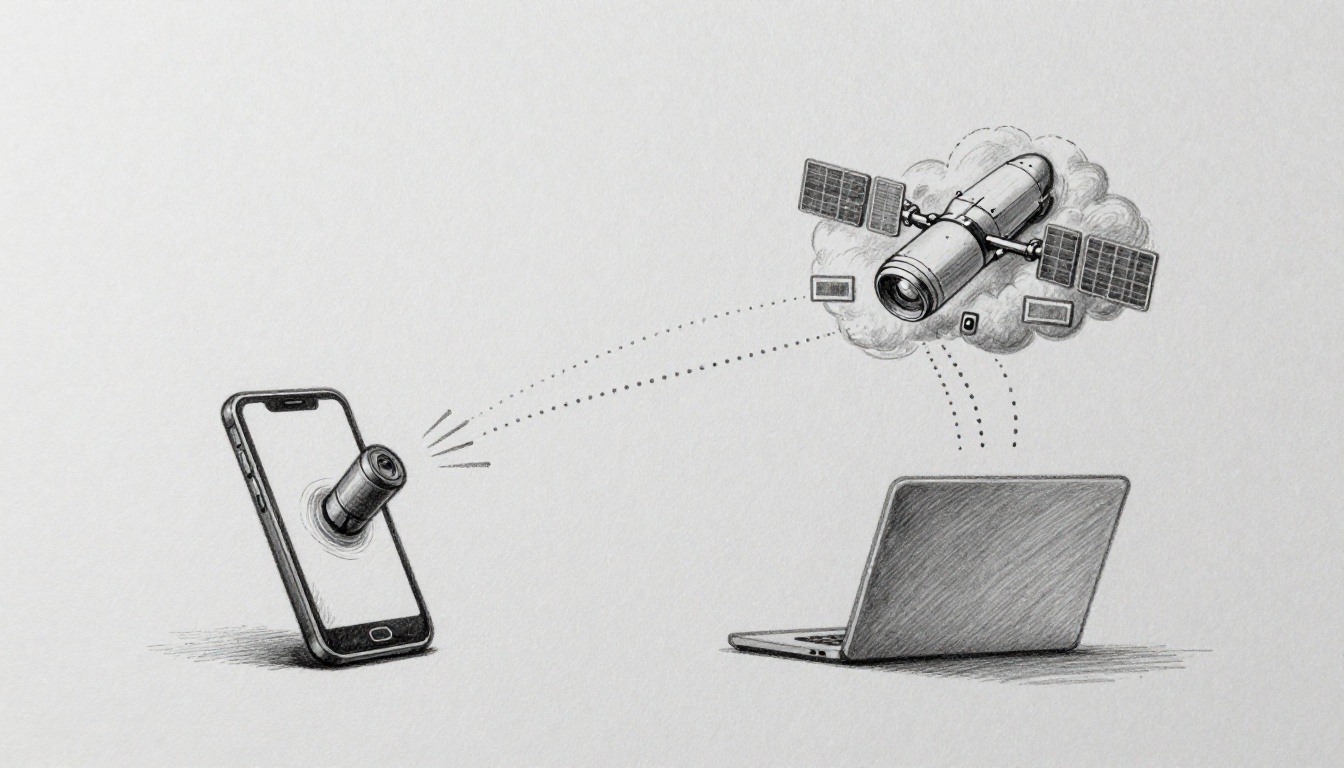
Ever tried to upload a video while downloads keep flying? Then you notice it, your connection feels “backwards.” In plain terms, uplink is data going from your device to the network (or satellite). Downlink is data coming from the network to your device.
You use both every day. Your phone sends messages and videos up. Then it pulls videos, pages, and updates back down. When one side is weak, your whole experience feels slow, even if the other side is fine.
Ready to demystify your connection? Let’s start with the simple idea, then map it to 5G, satellites, and what you can do when things feel off.
What Happens During Uplink: Your Device Sending Data Up
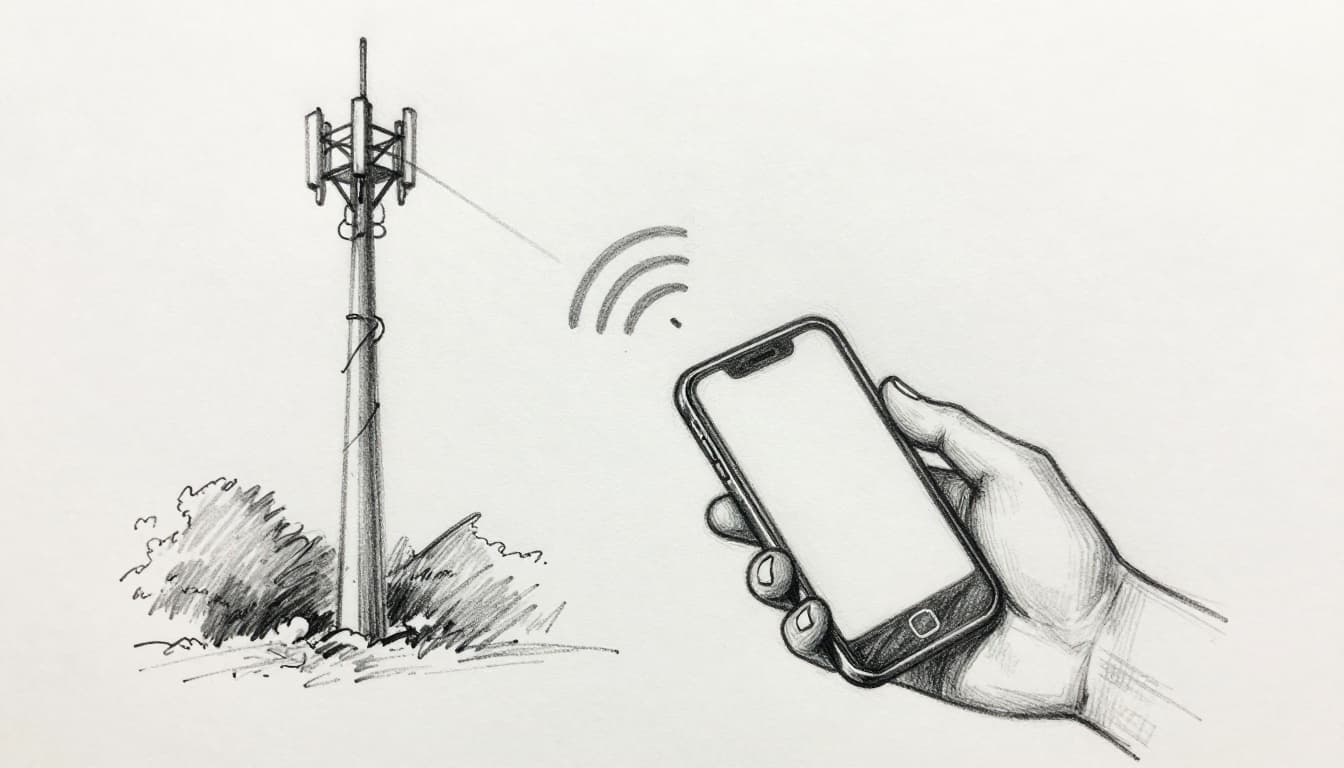
Think of uplink like shouting through a tunnel. Your voice has to travel from you to the far listener. In this case, your “voice” is the data your phone or device sends to a cell tower or a satellite.
So when you do things like post a photo, start a voice call, or upload a video, you’re using uplink. Your device sends signals upward. The network receives them, then handles them from there.
Here’s the flow in everyday terms:
- Your phone turns your input (video, audio, text) into radio signals
- It sends those signals to the nearest cell tower
- The tower (or satellite system) receives them and routes the data onward
Uplink is often harder than downlink because your device has less power than the tower. Distance and obstacles also matter. If your signal is weak, your phone has to work harder to reach the network.
A quick 5G example makes it click. When you stream from an action cam, the tower is mostly sending downlink video. But when you live stream, your phone also sends uplink frames up. Even if downloads feel great, slow uploads can ruin the “live” part.
If you want a clean technical description, see uplink and downlink definitions. The wording is more formal, but the idea is the same.
Uplink Power Challenges and How Networks Handle Them
Uplink feels weak more often for one main reason: your device is the one doing the heavy lifting. A phone usually has a smaller antenna and less transmit power than the tower.
So what happens when the air gets messy? Networks adapt.
When uplink gets hard (weak signal, lots of people online, bad weather), the system may do things like:
- Use smarter “coding” so the receiver can rebuild data from noise
- Adjust how resources get shared when many phones transmit at once
- Focus signals better with beamforming (aiming instead of blasting)
That’s why two homes can feel different. Your friend might be uploading fine, because their tower link is stronger. Meanwhile, your upload stalls because your device has a tougher uplink path.
Here’s a real-life fix you can try. If you have a weak signal at home, a cell booster can improve the uplink side. By improving your signal strength, your phone can send more clearly, which helps the tower hear you sooner and with less retransmitting.
A key thing to remember: uplink problems show up as delays. Your posts take longer to send. Your voice sounds choppy. Upload bars crawl. Downlink might still look okay for a while.
Uplink is often the first thing to suffer when signal strength is low.
Once you understand uplink stress, downlink starts to make more sense too.
Downlink Magic: Data Flowing Effortlessly to Your Screen
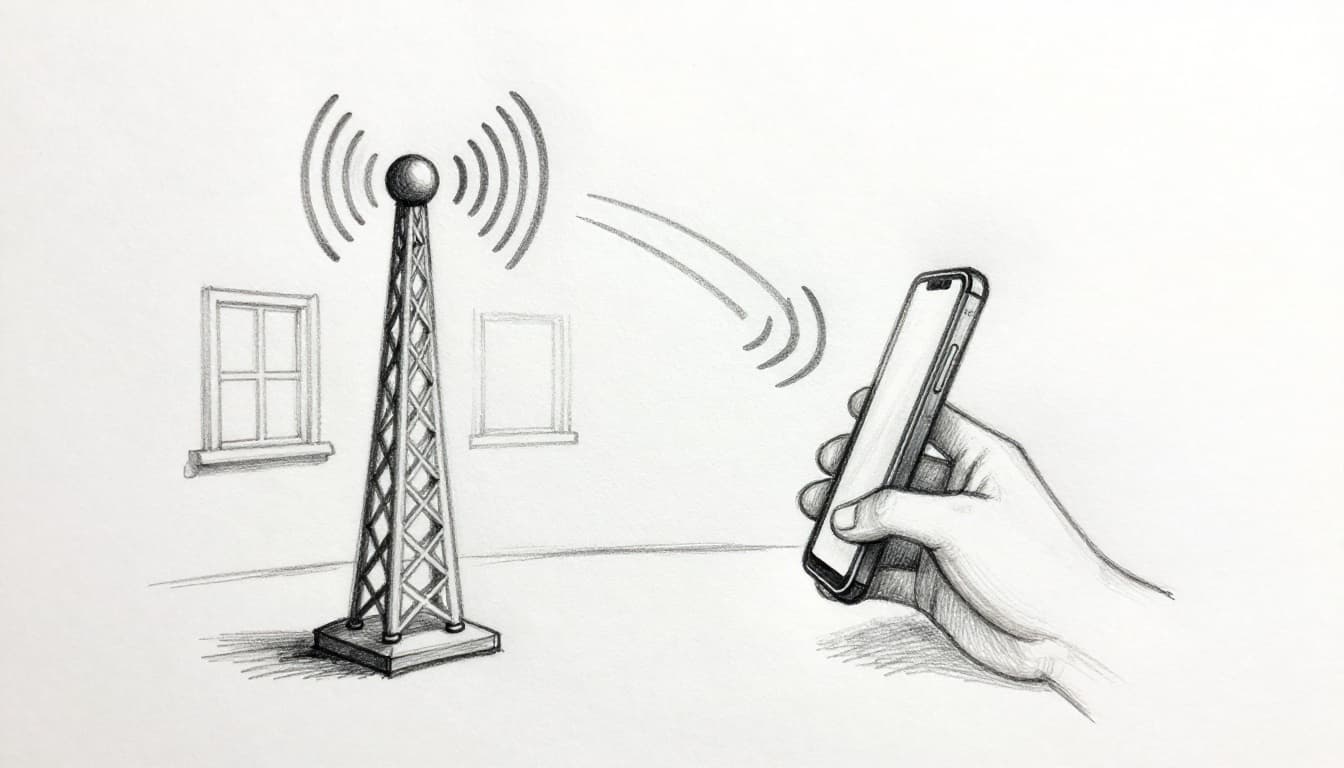
Downlink is the opposite direction. It’s the data sent from the network (cell tower or satellite) to your device. If uplink is shouting out, downlink is hearing back clearly.
Downlink usually feels “easy” because the network side has more power and better antennas. That means your device can receive data with less struggle.
Most of what you do on your phone is downlink-heavy. Streaming video is the classic example. Web browsing is another. When you get texts, app updates, and music downloads, that’s downlink working behind the scenes.
Here’s a simple downlink story. Your phone asks for a video. The network sends it. Your screen fills in. That’s downlink in action.
In 5G terms, you might notice something like this: downloads look fast on speed tests, but apps still lag during uploads. That’s because downlink strength doesn’t automatically fix uplink limits.
Also, uplink and downlink don’t always share the same time or frequency. That helps prevent signals from colliding. In 5G, the network can use flexible slot settings to choose when uplink and downlink happen. For more context, read about 5G NR slot options.
Finally, a quick satellite mindset helps. A satellite system can beam down content to you all day. But sending your request back up still needs an uplink that’s just as reliable.
If uplink is the bottleneck, downlink “magic” can turn into buffering or stutters. But usually, it’s downlink that makes your screen feel smooth.
Uplink vs Downlink: Quick Comparison to Clear Confusion
People get stuck because they hear “speed” and assume it’s one number. In reality, uplink and downlink are separate directions. They can both be fast, both be slow, or one can be great while the other suffers.
Here’s the quick comparison.
| Feature | Uplink | Downlink |
|---|---|---|
| Direction | Device to network | Network to device |
| Common examples | Uploads, voice sending, video sharing | Streaming, browsing, receiving texts |
| Typical feel | Slower, more sensitive to signal | Often faster, smoother for playback |
| Why it matters | Affects “sending” tasks | Affects what you “receive” |
In simple troubleshooting, this helps a lot:
- If uploads drag, you likely have an uplink issue
- If pages load slowly, you likely have a downlink issue
- If both feel bad, the connection may be overloaded or weak overall
With satellites, the pattern repeats. Your dish receives downlink content, but it also needs a reliable uplink from your home to send requests. That’s why satellite internet can vary by location and weather.
If you’re using a service like Starlink, you might even see typical ranges that highlight the difference. In late March 2026, many users reported around 170 to 300 Mbps downloads and 15 to 44 Mbps uploads, with higher upload for some plans. In other words, downlink usually wins on speed.
That brings us to real-world systems.
Uplink and Downlink in the Real World: Satellites, 5G, 6G, and Daily Life
The big idea stays the same everywhere: uplink goes out, downlink comes in. But the details change with the system.
Satellite Communication: Uplink from Earth, Downlink from Space
Satellite links are a great example because they’re easy to picture. Your home sends a signal upward to a satellite. Then the satellite sends content down to you.
So:
- Uplink: your dish sends data to the satellite
- Downlink: the satellite sends video, web, or updates down to your dish
A practical scenario? Think about TV and news broadcasting. A TV station “uploads” the live feed up to a satellite. The satellite then “downlinks” it to dishes at homes and stations.
If you want a satellite-focused explanation, uplink and downlink in satellite comms breaks down the direction and why separate choices matter. It’s useful when people ask why satellite internet can feel different in certain places.
Also, many modern satellite systems use Low Earth Orbit (LEO). In that setup, satellites move faster across the sky. Terminals often track them continuously, so the link stays aligned.
For Starlink specifically, if you’re curious about how the system works end-to-end, how Starlink internet works offers a clear, user-friendly breakdown.
Satellite downlink can feel strong, but uplink still needs a clear path.
In the same way, your device still uploads requests, even if the downlink content is what you notice most.
5G and Emerging 6G Networks: Boosted Speeds Both Ways
5G changed the feel of mobile internet, mostly through better radio tech. But uplink improvements are getting more attention in 2026, because more apps send data both ways.
A lot of new uses stress uplink. Mixed reality, live cams, drones, and home internet links can push uploads harder than you might expect.
In 2026, 5G Advanced upgrades in the US include uplink-focused improvements. Real-world reports point to uplink upgrades such as better radio setups and smart antenna switching. For example, US networks using 5G Advanced can see meaningful uplink gains compared to older setups, and T-Mobile’s 5G Advanced work (3GPP Release 18) is part of that push.
One detail that shows up in network tech discussions is 4T8R (multiple transmit and receive antenna chains). It helps in crowded places because the network can manage uplink signals more effectively.
Now zoom out to 6G. As of March 2026, 6G is still early. There are no full standards yet, and commercial launch is often discussed around 2029. Still, the direction is clear: networks will be built for AI-driven traffic and tighter control of uplink demand.
A helpful industry read is 6G hopes tied to uplink demands. It connects AI traffic patterns to why uplink could become the key limit.
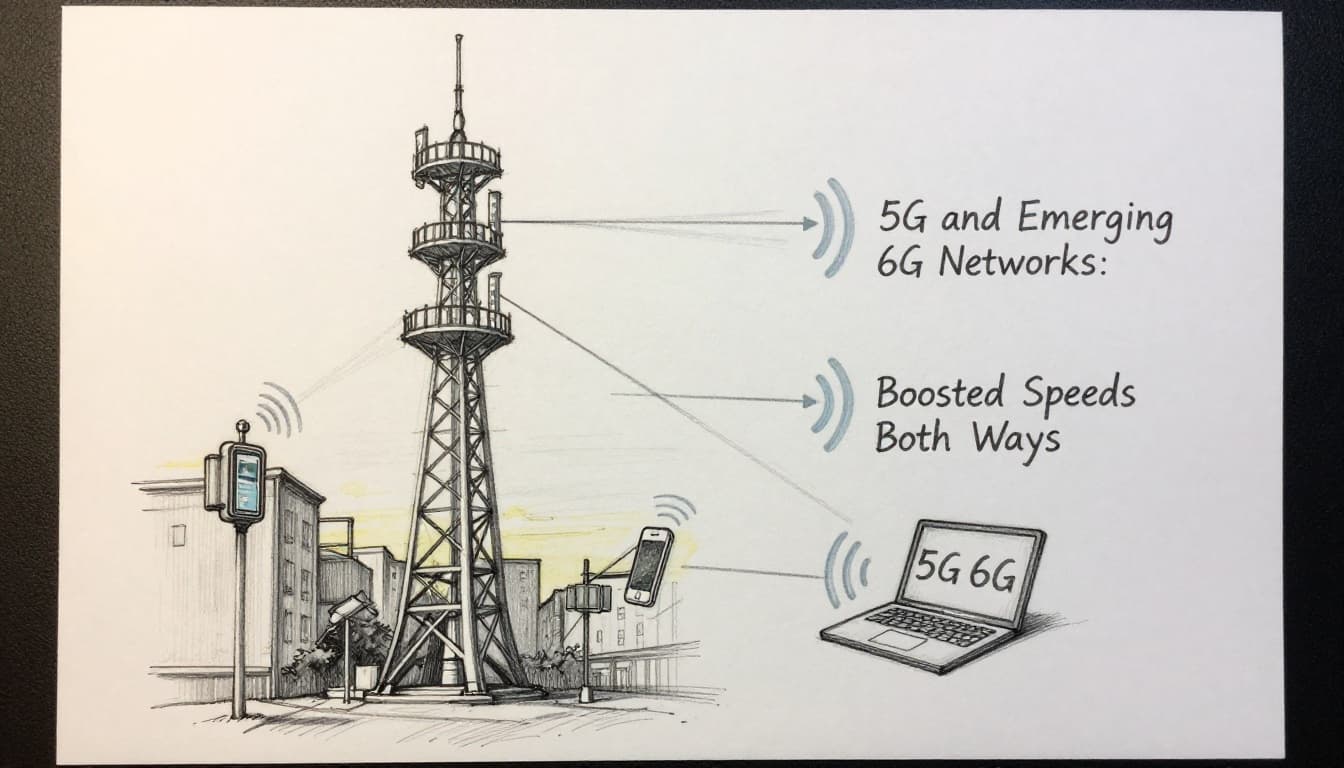
For what you’ll feel as a user, the goal is simple: fewer upload stalls, more stable two-way apps, and better performance in busy areas.
Everyday Wins: Spot Uplink or Downlink Issues at Home
You don’t need test gear to tell which side is struggling. Watch what happens when you do common tasks.
- Posting to social media (especially video) feels slow: that points to uplink limits.
- Watching a stream buffer or pages load slowly: that points to downlink limits.
- Voice calls sounding choppy while the other person’s video looks fine: often an uplink problem on one side.
So if your home internet feels “good” until you upload, you’re not imagining it. Many connections are stronger on downloads. Uploads tend to be the tight spot.
If you use satellite internet, the pattern can show up during peak times and in bad weather, too. Clouds and rain can affect radio signals, changing how well your device can reach the satellite.
In short, uplink and downlink aren’t just tech words. They’re a practical way to describe what’s going wrong.
2026 Trends: Faster Uplinks and Smarter Connections Ahead
What’s changing in 2026 is that networks are chasing two-way performance, not just download speed.
For 5G, the focus is on uplink upgrades that help in real traffic. That includes better antenna and radio handling, flexible timing between uplink and downlink, and modem improvements in newer devices. The US rollout trend is also to target busy areas first (cities, venues, and industrial sites).
There’s also a clear pattern in demand. In some reports, uplink load is rising quickly because more apps create data as well as consume it. For example, live streaming, XR experiences, and IoT systems keep sending data back. Some coverage even points to uplink-heavy moments, like major events, pushing uploads more than typical everyday use.
For 6G, the trends look even more uplink-centric. The planning narrative emphasizes AI-native networks, where the radio side can adjust in smarter ways and waste less time sending and receiving. At the same time, FR3 spectrum around 7 to 24 GHz gets attention as a “golden band” idea, which could help with stronger links (depending on build and environment). Also, beamforming is expected to get more intelligent through AI.
If you’re thinking, “When will this show up for me?” a fair answer is: slowly. 5G upgrades arrive first, because 6G is still pre-standardization. Still, the direction is good. More two-way reliability helps everyone, especially people who upload for work or create content.
Conclusion
Uplink and downlink are simple once you map the direction. Uplink is your device sending data up. Downlink is the network sending data down. When you know that, you can spot the real problem fast.
You also get more control over your next troubleshooting move. If uploads lag, you look at uplink signal strength, network congestion, or home coverage. If downloads buffer, you focus on downlink performance. And as 5G Advanced and future 6G plans roll out, uplink quality is getting more attention.
Next time your upload lags, you’ll know why. Have you noticed downlink staying fast while uploads crawl?