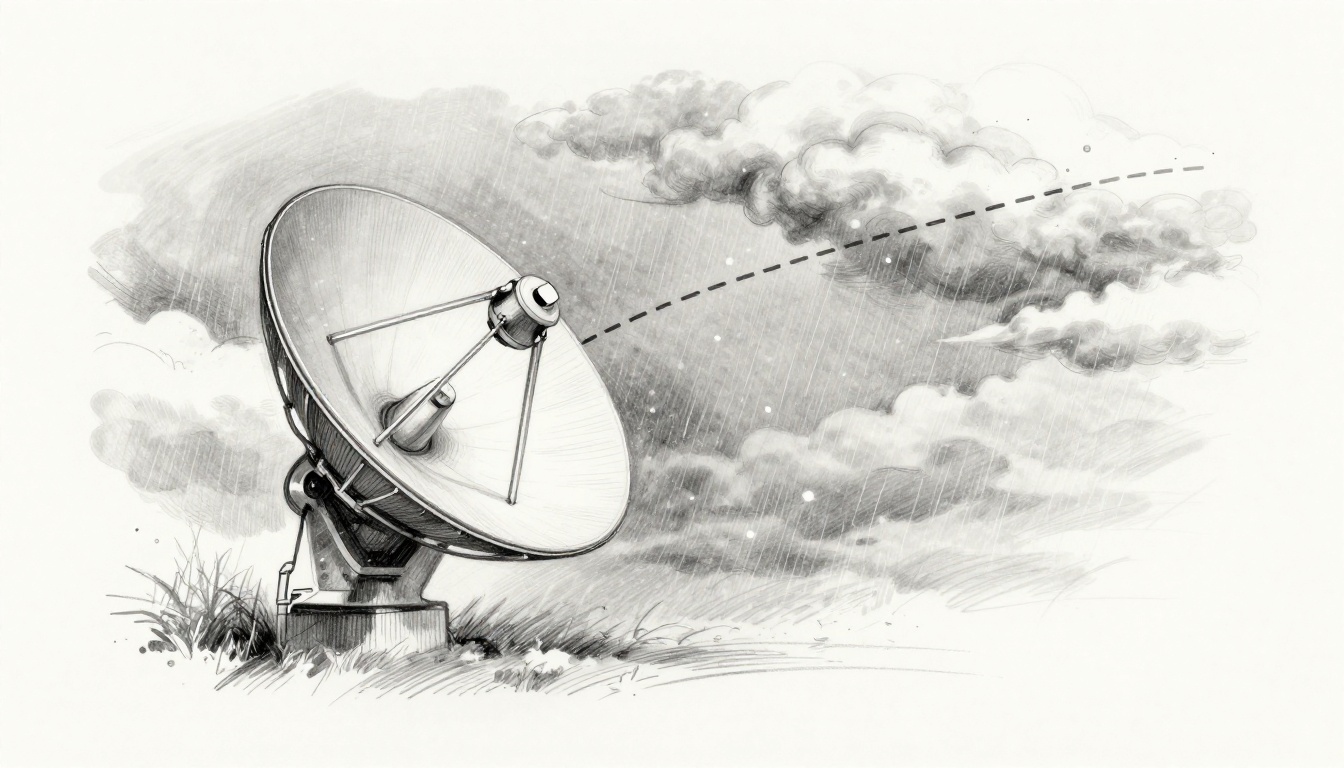
Ever settle in for movie night, then rain shows up and your picture freezes? Or your Starlink internet crawls while clouds sit overhead? That frustrating moment has a simple cause: weather conditions affect satellite signals because the atmosphere can swallow, scatter, and bend radio waves on the way down.
Satellite service depends on a straight line between a space transmitter and your dish. When weather piles up in that path, the signal weakens fast. The result is familiar, pixelated TV, sudden internet dropouts, and GPS that puts you a little off.
Let’s break down what’s happening, why some frequencies suffer more, and what you can do when storms roll in.
How Rain, Snow, Clouds, and Wind Disrupt Satellite Waves
Think of a satellite signal like a flashlight beam made of invisible radio waves. In dry air, the beam travels cleanly. In wet, icy, or turbulent air, the “beam” gets interrupted.
The atmosphere interferes in three main ways: absorption, scattering, and bending (refraction).
- Absorption: Water molecules and ice can take energy from the radio wave, turning it into heat.
- Scattering: Droplets or ice crystals act like tiny mirrors. They spread the signal in many directions.
- Bending and shifting: Air with different temperatures and moisture can bend the path, making the signal arrive at the wrong angle.
That’s why bad weather can hurt so quickly. It’s not only about whether it rains. It’s about how much moisture sits in the signal path, how big the particles are, and how stable the air is.
One rule helps explain the “why” behind most complaints: higher-frequency satellite links tend to be more sensitive to weather. In plain terms, those signals act like they “fit” less well through messy air.
Here’s a helpful analogy. In fog, headlights still shine, but the beam looks dimmer and blurry. Satellite links can act the same way, just with radio waves instead of light.
In the next sections, you’ll see how rain, snow, clouds, and wind each create their own kind of trouble.
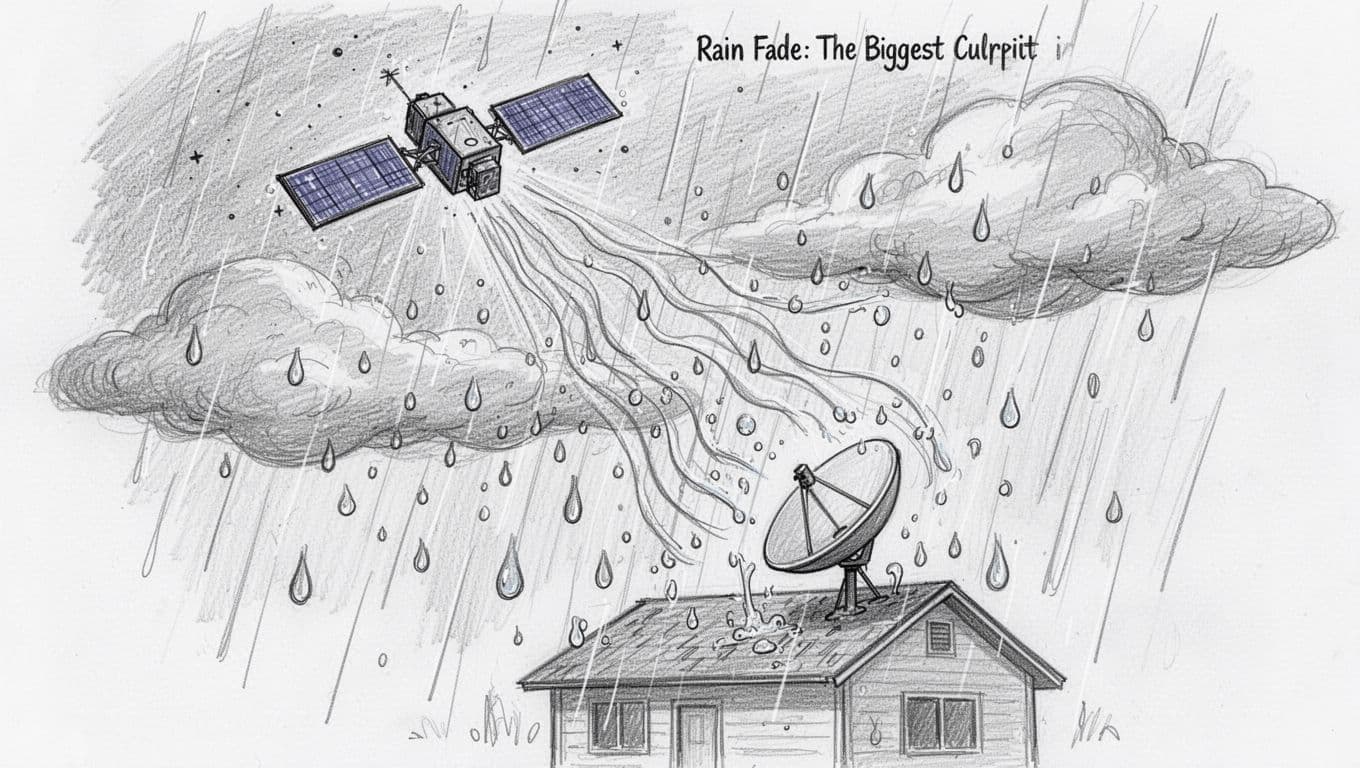
Rain Fade: The Biggest Culprit in Signal Loss
Rain fade is the most common reason a satellite link weakens during storms. The key factor is that satellite links often use microwave frequencies. At certain bands, heavy rain droplets can interact strongly with the signal.
When large numbers of droplets fill the air, they can absorb and scatter the wave. The effect grows during downpours because the signal crosses a thicker layer of wet air.
Another detail matters: droplet size. For many satellite bands, the most harmful rain happens when droplet dimensions are in the same ballpark as the wavelength. That’s why services like Ku-band and Ka-band can be more affected than C-band.
If you want a clear, non-jargony explanation of the mechanism, see what rain fade means.
You’ve probably seen this in real life. During a hard summer storm, a TV picture can freeze for a few seconds, then recover. That quick cycle often matches how the rain changes over your location.
Snow, Ice, and Clouds Adding to the Trouble
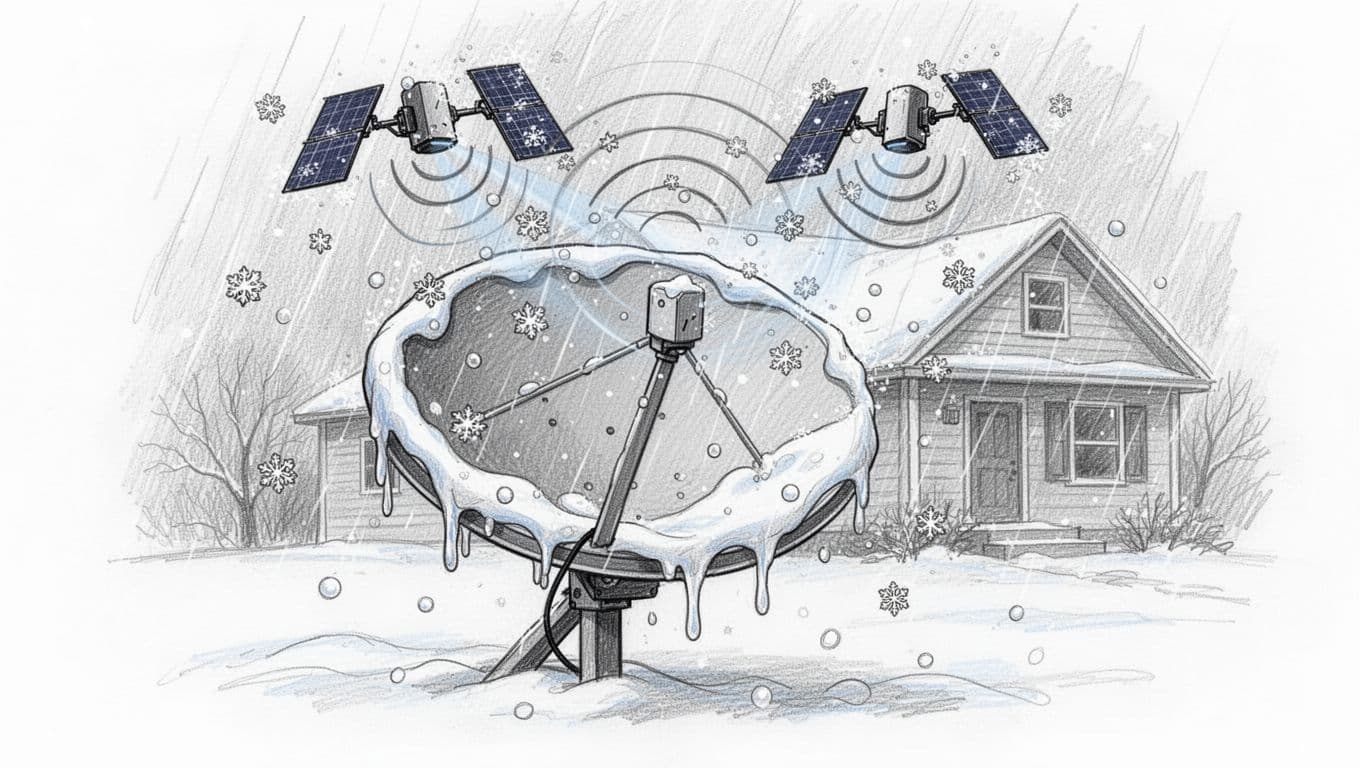
Snow isn’t just “white rain.” Wet snow, especially when it packs and melts, can behave like rain. It puts water and ice particles into the air path, so absorption and scattering still hit.
Dry snow can still cause issues. Ice crystals scatter radio waves, and the effect increases as particle density rises. Even if the snow is colder and drier, the signal can still fade because the link has to pass through a busy mix of particles.
Clouds can also reduce performance. Thick clouds contain lots of tiny water droplets and ice crystals. That creates a diffuse haze that weakens the signal, even when precipitation looks light.
One more headache comes from mixed conditions. If you have freezing rain, sleet, or fast-changing snow intensity, the link can jump between “okay” and “not okay” quickly.
Higher frequencies usually fade sooner, because they interact more strongly with small atmospheric particles.
Turbulence and Wind Bending Signals Off Course
Wind can cause two types of disruption: physical misalignment and rapid signal change.
First, strong winds can move a dish. Even a tiny angle shift can matter, especially for narrow-beam satellite links. Second, storms mix warm and cold air. That creates turbulence and sharp changes in moisture.
When the air shifts, the radio path bends slightly. Your receiver may still “hear” the signal, but the signal-to-noise ratio drops for moments at a time. That’s when you get sudden dropouts, followed by recovery.
You’ll often notice this with fast-moving storms. The weather passes quickly, yet your connection flickers while conditions are unstable.
Real-Life Headaches for Satellite TV, Internet, and GPS
Most satellite users don’t care about wave physics. They care about whether calls drop, pages load, and maps stay accurate.
The good news is that the effects follow patterns. Rain fade drives many satellite TV and internet problems. Cloud layers and precipitation can also affect GPS accuracy. Turbulence can worsen both communication and timing.
Here’s a quick map of what people notice in common situations.
| Service | Weather that hurts most | What you’ll typically see |
|---|---|---|
| Satellite TV | Heavy rain, wet snow, thick clouds | Picture freezes, audio cuts, “searching” screen |
| Satellite internet | Rain and Ka-band-sensitive conditions | Slower speeds, brief outages, higher latency |
| GPS apps and phone navigation | Dense moisture, storms aloft, turbulence | Position errors, delayed updates, jittery tracks |
The exact outcome depends on your setup. Dish size, mounting stability, and signal tuning all play a role. Still, the pattern is consistent: moisture and instability in the signal path cause fast fades.
Satellite TV Blackouts During Storms
Rain and wet snow can freeze a TV image. You might notice the picture locking up for a few seconds, then returning once the storm thins.
Audio can cut out too. That happens because the receiver struggles to decode the data when the signal level drops.
Thick clouds can trigger similar symptoms, even without heavy ground rain. If the cloud layer sits between the satellite and your dish, the link can weaken enough to break.
Starlink Internet Struggles in Bad Weather
Starlink and other satellite internet services often use Ka-band for high throughput. That’s great for speed, but Ka-band links tend to be more sensitive to rain and snow.
During heavy rain, you may see buffering, slower downloads, or brief dropouts. The same can happen in snow if wet buildup or dense precipitation fills the line of sight.
For extra context on Ka-band sensitivity, this overview of weather effects on Ka-band frequencies is a good starting point.
GPS and Phone Signals Gone Haywire
GPS signals travel from space to your device, and the atmosphere still matters. Moist air can delay and distort parts of the signal. During heavy precipitation or storm conditions, you may see position jitter.
You might also notice slower “fix” times after the device has been inactive. In practical terms, that can show up as a map that lags behind your movement.
For an approachable explanation of how GPS can even relate to storms, see detecting storms thanks to GPS from ETH Zurich.
Storms That Struck Signals in 2025 and New Fixes
In 2025, big weather systems did what they often do: they piled up moisture, shifted air rapidly, and kept pressure on communication links. At the same time, space weather risks also remained real, because the Sun can spark charged particles that interfere with satellite systems and navigation.
The exact outage counts for consumer satellite services are not always public. Still, the underlying causes are well known. When the atmosphere gets thick with water and ice, you should expect more fading.
In the US, several 2025 events fit the “signal trouble” pattern:
- January 2025 winter storms (“snowpocalypse” conditions in parts of the Midwest) brought heavy snow and ice. That kind of dense moisture layer can cause absorption and scattering along the path.
- April 3 to 5, 2025 storms in parts of Texas brought thunderstorms, heavy rain, and wet snow. Downpours plus mixed precipitation is a recipe for fast rain fade.
- December 17 to 20, 2025 storm systems included strong winds, with reports up to 86 mph in parts of Kansas and Nebraska. Wind can shift dishes, and it can also increase atmospheric turbulence.
Then there’s space weather. Solar activity in 2025 sat near the most active part of the Sun’s cycle, which can add risk to satellite links and navigation. The earlier severe event that stuck in public memory was a strong geomagnetic storm that disrupted GPS during planting season. Even when it’s not “weather” in the everyday sense, it still changes signal behavior.
Memorable Weather Events from 2025
Some storms in 2025 also showed how quickly conditions can shift. Wet snow and fast transitions between rain and snow often cause the worst swings in signal quality.
When storms ramp up, the atmosphere becomes a moving, changing mix of droplets, ice crystals, and turbulence. That means your signal can drop just as you start buffering.
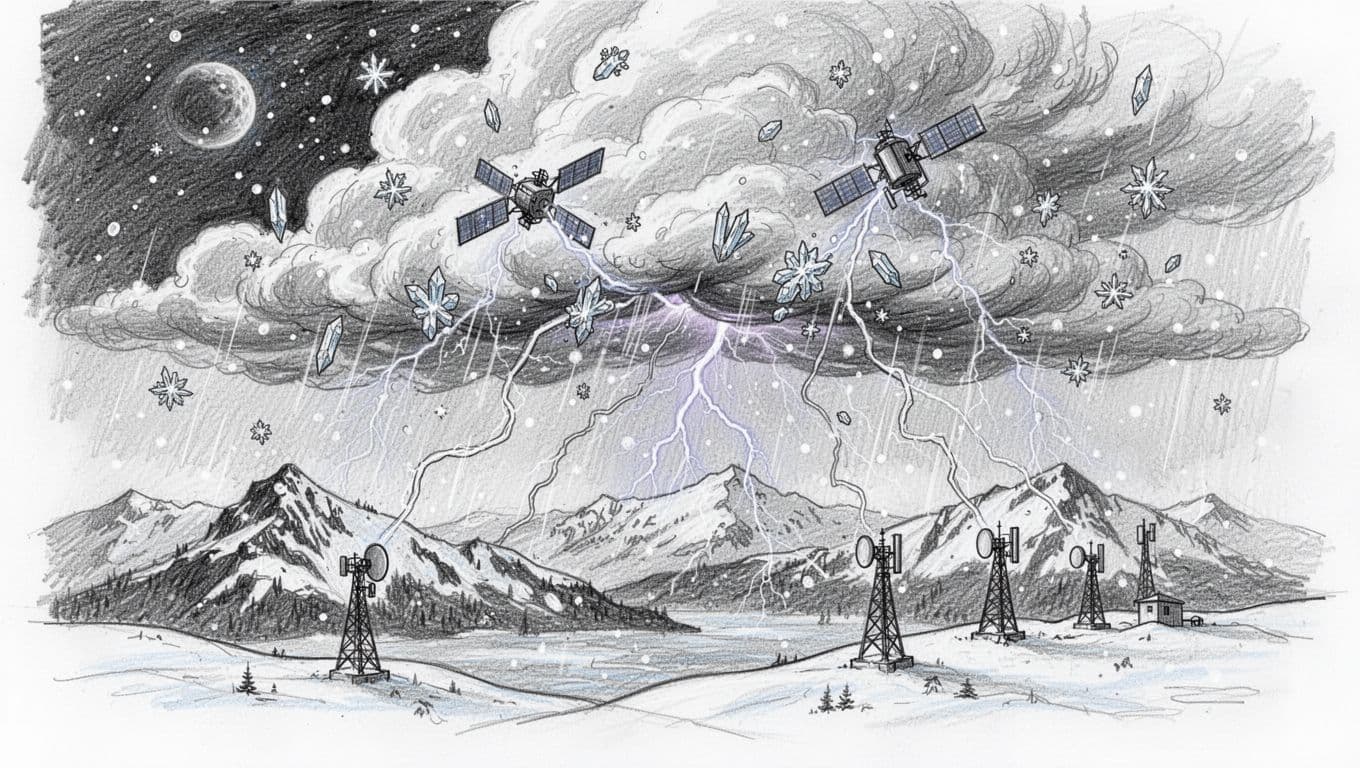
Even if your area didn’t match a specific headline storm, the lesson transfers. When the sky fills with dense precipitation, the link gets harder to decode.
Smart Strategies and Tech Beating the Weather
Service providers and equipment makers can’t stop storms. They can, however, change how the system handles weak signals.
Here are practical approaches that help:
- Adaptive coding and modulation: When the signal weakens, the system can shift to a more robust transmission mode. That doesn’t make the weather disappear, but it improves decode success.
- Higher power or better link budgets: Extra power and receiver sensitivity help a faded signal still cross the “usable” threshold.
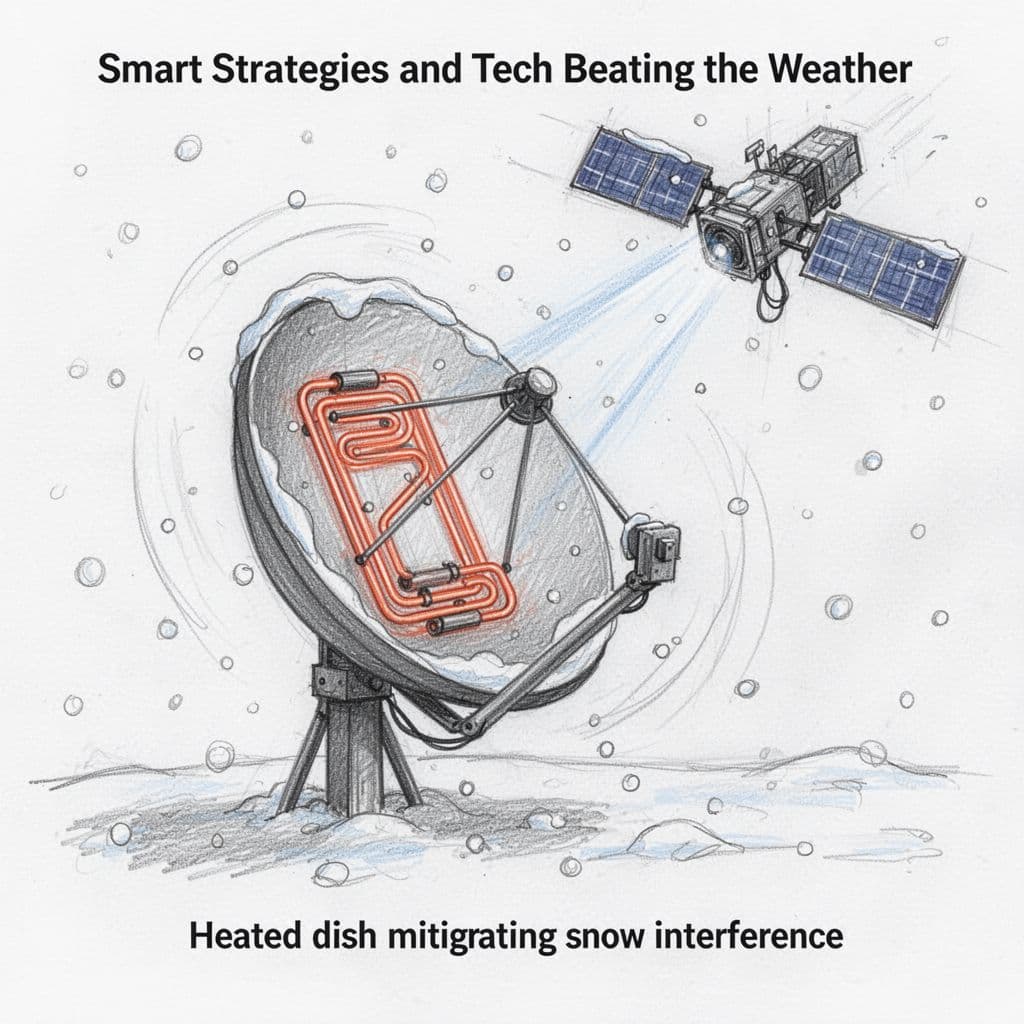
- Dish heating and better ice control: Heated or protected dish surfaces reduce blockage and keep alignment stable.
- Bigger antennas or more precise pointing: A larger dish can improve signal capture, and accurate pointing reduces sensitivity to small gusts.
- Frequency planning: Some systems use lower frequencies when possible, since they often fade less in heavy rain.
If you want a deeper look at how engineers think about fading, NASA has published work on rain fade compensation for Ka-band. It’s technical, but it shows the basic idea: systems can anticipate fade and react faster.
Research also helps refine expectations over time. For example, this study on measuring weather effects and link quality looks at how link quality changes with real weather inputs in low Earth orbit networks.
And you, as the user, can do a lot with simple steps: keep the dish clean, confirm it’s mounted firmly, and avoid DIY angle tweaks during a storm.
Conclusion
So why do weather conditions affect satellite signals? Because rain, snow, clouds, and wind change the air the signal must cross. They absorb energy, scatter waves, and sometimes bend the path, which makes the receiver struggle to decode.
That’s what turns TV into frozen frames, internet into buffering pauses, and maps into slightly shaky routes. In 2025, heavy storms and strong winds kept showing the same story, even when the headlines differed.
Here’s what helps you most: keep your dish stable, clear, and ready. If service matters during storms, plan a backup like a cellular hotspot. Then, share your outage stories and storm timing. Those real-world patterns help everyone learn what works next.