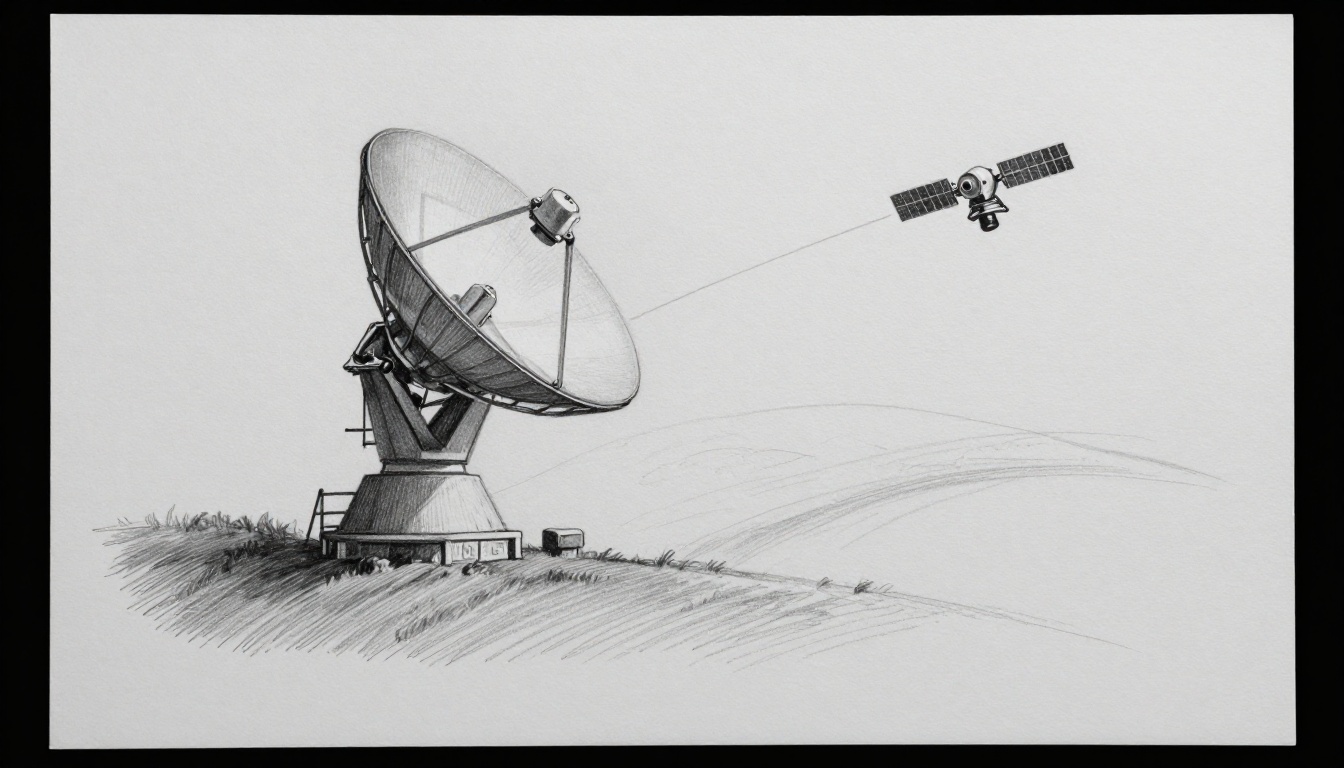
Your GPS only works because it keeps getting tiny radio “messages” from space. Weather apps do it too, and so do TV broadcasts and satellite internet. Those invisible chats are made possible by one key piece of infrastructure: ground stations.
Think of a ground station as a phone booth for a satellite. It sends commands up to orbit, then listens as the satellite sends data back down. The magic is that both sides must aim, tune, and decode the signals fast, even while the satellite moves overhead.
In the next sections, you’ll see the step-by-step flow of ground stations communicate with satellites, the antennas and satellite frequencies that make it work, and the real-world headaches like short contact windows and rain fade. You’ll also get a few 2026 examples showing where the tech is heading.
Step by Step: How a Ground Station Links Up with a Satellite
Satellite links follow a pattern, but nothing is “set and forget.” Every pass has to be predicted, aimed, and adjusted in real time. If you’ve ever watched a Wi-Fi signal drop during a storm, it’s a little like that, but at far higher speeds and distances.
Here’s the full communication story, from prediction to decoded data:
- Predict the satellite path
- Ground software calculates the satellite’s orbit and predicts where it will be in the sky.
- As the time window approaches, the antenna mount starts moving toward the predicted direction.
- Even small timing errors can cause missed links, especially for fast low-Earth orbit (LEO) passes.
- Aim and track for line-of-sight
- The antenna “points” using two angles: left-right (often called azimuth) and up-down (often called elevation).
- Tracking continues as the satellite moves, so the signal stays centered in the dish or array beam.
- If the antenna drifts, the received signal weakens quickly.
- Send the uplink (commands and data requests)
- The ground station builds a message, then encodes it for reliable delivery.
- Next, it boosts the signal power and shifts it to the right uplink frequency.
- The satellite receives it through its own antenna and feed system.
- Receive, process, and respond in orbit
- Many satellites use a transponder, which listens for the uplink and then sends back on a downlink.
- Some satellites also process data first, then send results down.
- This is where routing, scheduling, and onboard error checks happen.
- Receive and decode the downlink (telemetry, payload data, status)
- The ground station listens on the downlink frequency.
- It demodulates and decodes the signal into usable information.
- After that, it runs quality checks, stores files, and hands data to mission systems.
To picture it, imagine two “pipes” in series: an uplink pipe up, then a downlink pipe back down. Most of the work happens at the boundaries, where encoding, decoding, and pointing accuracy matter most.
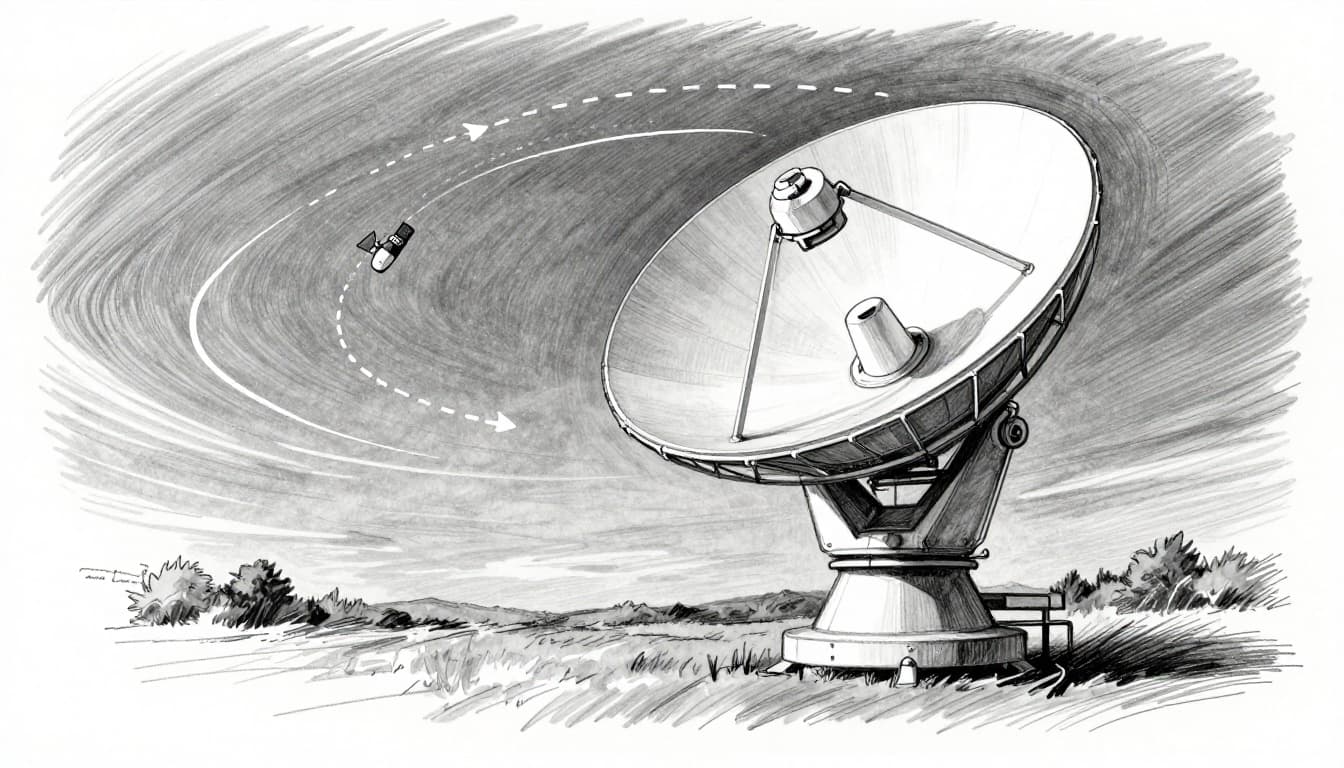
If you want a clear “from space to Earth” narrative, this overview explains the data travel conceptually in accessible terms: how satellite data reaches Earth.
A quick “block diagram” mental model
Even if you never see the diagram, you can think in blocks:
- Antenna and RF chain (send/receive radio)
- Baseband processing (encode/decode)
- Tracking and timing (point and schedule)
- Networks and storage (move data onward)
Tracking the Fast-Moving Target in the Sky
LEO satellites are fast. A pass can last only 5 to 15 minutes, especially at higher latitudes. That’s why tracking matters as much as the radio itself.
Ground systems use orbit math plus live timing to guide motors or steer electronically. The antenna controller constantly updates the pointing angles as the satellite’s predicted position changes second by second.
Also, the computer doesn’t just aim once. It keeps re-aiming while signals travel at the speed of light. Distance changes during the pass, so timing alignment has to stay tight.
The result is a steady connection that feels invisible to end users. Behind the scenes, the ground station is constantly adjusting its aim so the satellite stays within the antenna’s effective beam.
Uplink: Firing Commands to the Satellite
On the way up, the ground station turns your message into a clean RF signal. The process usually looks like this:
- Message encoding: telemetry requests or commands get formatted into bits.
- Modulation: the bits map onto a radio signal pattern.
- Frequency conversion: internal electronics may work at convenient frequencies, so the system shifts to the chosen uplink band.
- Power amplification: a high-power amplifier boosts the signal strength.
- Transmit: the antenna sends the uplink toward the satellite.
Frequency conversion helps prevent interference and keeps the signal stable. Also, it makes it easier to use repeatable hardware blocks across different satellite frequencies.
Meanwhile, the satellite doesn’t “read your mind.” It expects timing, coding, and power levels that match its receiver plan. That means your uplink has to be right the first time, then consistent over the pass.
Downlink: Grabbing Data from Orbit
Downlink reception is where lots of people assume it’s just “listen and decode.” Real life is a bit more demanding.
When the satellite responds, the ground station:
- selects the downlink frequency
- filters out nearby noise
- demodulates the signal
- decodes the data back into telemetry, images, or network packets
- runs quality checks (like error rates and signal strength)
Quality checks matter because many missions use the downlink for control decisions. If data is corrupted, the mission may need a retransmit request, or at least a safe fallback mode.
In other words, the downlink is not only about reception. It’s about proving the result is trustworthy enough to use.
Core Technologies That Make Satellite Links Possible
Ground stations are a mix of mechanical engineering, RF hardware, and software. If one piece drifts, the link can degrade.
The big building blocks are:
- ground station antennas
- satellite frequencies (the radio bands)
- modulation and protocols (how bits travel)
In popular terms, each frequency band acts like a different “radio station.” You can’t just tune to any station and expect the same message. The band choice shapes bandwidth, weather sensitivity, and antenna size.
Antennas: The Eyes and Ears on the Ground
Antenna choice drives performance. It also drives how fast the station can track and how much data it can move.
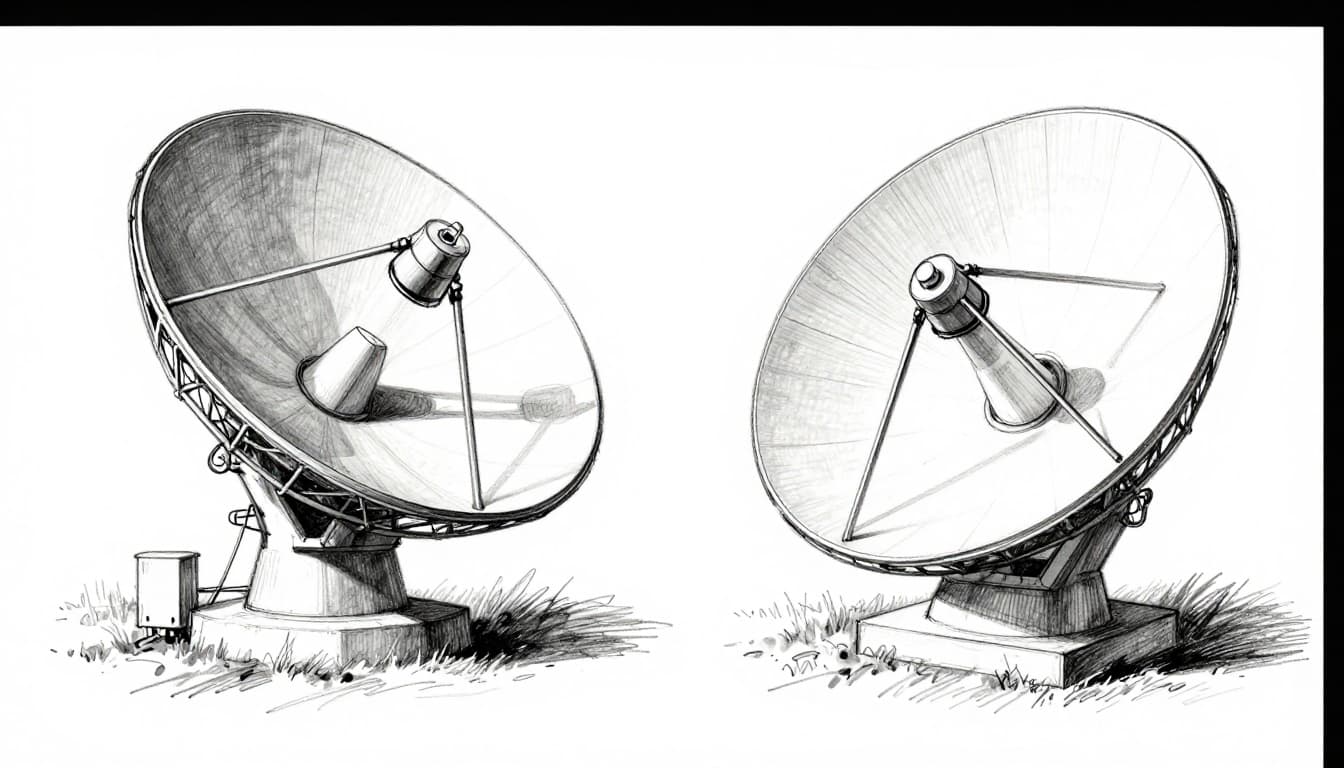
Dish antennas (parabolic dishes) collect signals with a curved reflector. They often swivel mechanically, which works well for many missions.
Phased arrays use multiple small antenna elements. They steer the beam electronically, without moving the whole structure. That can help with frequent re-aiming and dense traffic, especially for big constellations.
In short:
- Dishes: great for focused links, often lower cost per link, but mechanical aiming.
- Phased arrays: fast electronic steering, useful for high demand, more complex hardware.
Frequencies Explained: Picking the Perfect Band
Satellite frequencies come in named ranges. The main tradeoffs are bandwidth (how much data you can send) and propagation (how signals behave through the atmosphere). Higher frequencies usually bring wider bandwidth, but they’re also more sensitive to weather.
Here’s a practical comparison:
| Band | Typical range (GHz) | Common uses | Weather sensitivity |
|---|---|---|---|
| L-band | 1 to 2 | Small satellites, mobile services | Lower than higher bands |
| C-band | 4 to 6 | Reliable links, some TV | Moderate (rain less of an issue) |
| Ku-band | 10 to 18 | TV uplinks, broadband | Higher risk of rain fade |
| Ka-band | 26 to 40 | High-speed data | Highest rain fade risk |
For a broader baseline on how frequency bands work, see ESA’s guide to satellite frequency bands. It also explains why “rain fade” becomes a bigger concern as you move up in frequency.
Protocols: Ensuring Messages Get Through Clean
Even if the ground station hits the right frequency, it still needs the right “language.” That language includes modulation, coding, timing, and link management.
A typical protocol stack includes:
- modulation and demodulation (how bits ride on the carrier)
- error correction (how receivers fix mistakes)
- timing and framing (so messages stay aligned)
- automation for passes (so operators don’t micromanage)
Different systems use different coding and modulation schemes based on link budget. For more on how satellite comms protocols connect to ground operations, this resource is a helpful starting point: satellite communication protocols.
Finally, many modern networks add automation and monitoring. Instead of “one satellite, one link,” operators manage fleets with changing schedules.
Tough Challenges Ground Stations Tackle Every Day
Working communication links are harder than they look on a diagram. Real links fight physics, weather, and network pressure.
Three issues show up again and again:
- short contact windows, especially for LEO
- weather fading at Ku and Ka bands
- interference and scheduling problems as networks grow
Short Windows and Global Teamwork
If a pass lasts only minutes, you can’t waste time. You must:
- predict the pass accurately
- set up frequencies and coding fast
- point the antenna early enough
- push enough data before the window ends
That’s why large systems rely on global station networks. When one station misses a window, another location can cover it. For busy constellations, this becomes an operations strategy, not an extra.
Researchers also study how to choose station locations efficiently for large LEO fleets. For an example of this kind of work, see scalable ground station selection for LEO constellations.
Weather Woes and Pinpoint Precision
Weather can weaken radio signals. At Ku and Ka bands, rain can absorb energy and distort the link. This effect is often called rain fade.
The fix is not “wait it out.” Ground stations can:
- switch coding rates or modulation modes during bad weather
- use adaptive power control
- adjust schedules around forecasts
- increase margins through better antenna performance
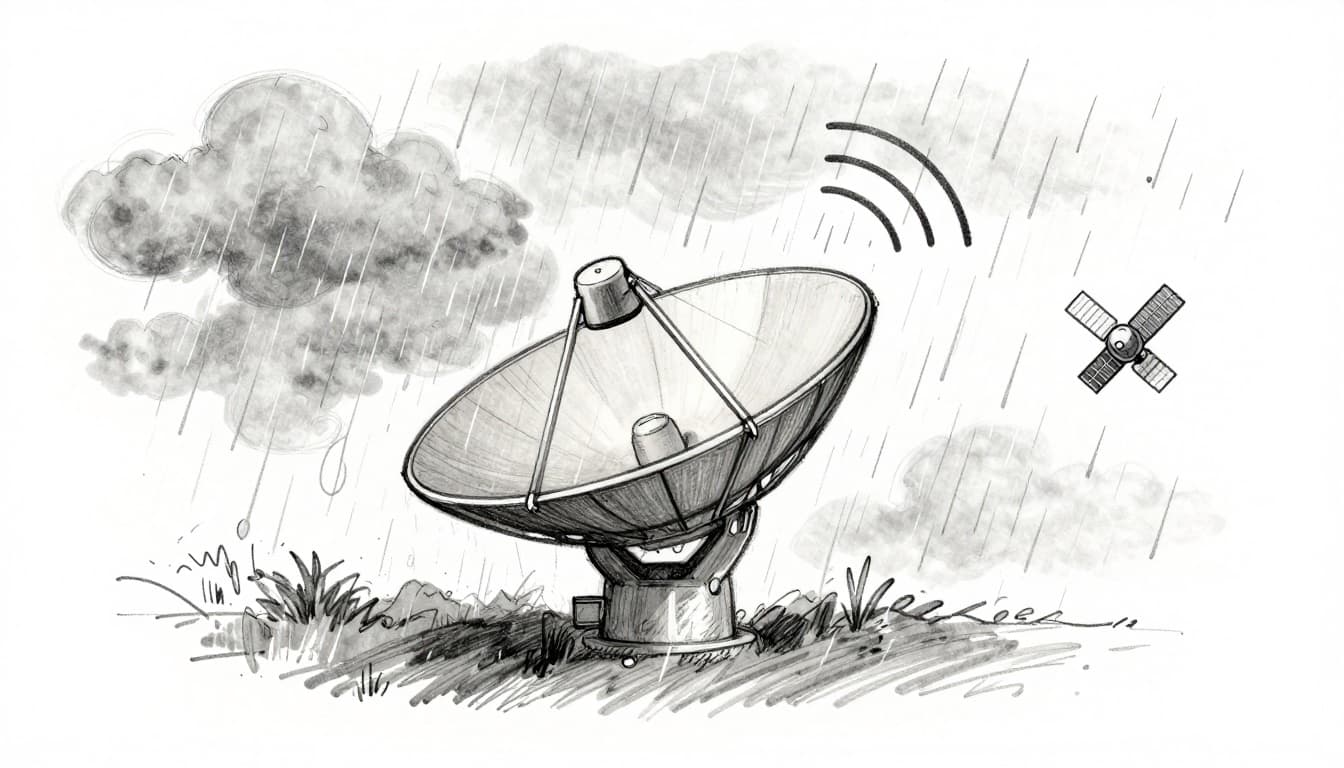
Also, precision tracking still has to stay tight during storms. If the antenna points slightly off target, weather makes the already weak signal even weaker.
So it becomes a double problem: weaker signals plus less tolerance for pointing error.
Interference and Safety in the Real World
As more satellites share spectrum, interference becomes a bigger concern. Ground stations also sit near other RF sources, like terrestrial transmitters.
Engineers deal with interference through filters, coordination, and improved receiver design. They also test and measure setups to find where noise is coming from.
A technical example of this theme is covered in Anritsu’s note on interference issues: resolving interference at satellite ground stations.
That’s one reason modern ground systems focus on measurement, monitoring, and repeatable configurations.
Real Examples and 2026 Breakthroughs in Action
Ground stations show up in many industries, not only space science. You’ll find them behind:
- satellite internet beams
- maritime and aviation connectivity
- Earth imaging downlinks
- mission telemetry for small satellites and lunar missions
At the same time, the tech keeps moving. As of March 2026, real deployments increasingly use more software-defined processing and smarter automation for fast-moving LEO traffic.

From NASA Small Sats to Starlink Swarms
Small satellites can still rely on ground infrastructure, even if their hardware is compact. Many missions use L-band for more robust links. The key is reliable reception and predictable scheduling.
Meanwhile, large internet constellations need something different: a lot of capacity and many ground gateways. Recent updates point out that Starlink has grown its gateway footprint, with over 150 ground stations worldwide by early 2026 (plus ongoing expansion plans).
Starlink also plans new Earth stations in the UK, according to reporting around Ofcom requests. You can see one example here: Starlink asks Ofcom for new gateways.
What does that tell you? Ground stations are scaling like data centers. They’re not just “support.” They’re part of the service delivery.
Lasers, AI, and the Next Wave of Tech
Ground stations used to be mostly hardware-driven. Now they increasingly use software-defined systems and cloud-based processing. As of March 2026, updates highlight:
- software-defined ground stations (SDGS) using flexible radio processing
- cloud integration for faster data handling
- AI signal processing to manage noise and speed up operations
- portable, rugged designs for field use
Another major trend is reducing dependence on constant Earth contact. Satellites can exchange data with inter-satellite laser links (optical links). When that tech works, some traffic can route through space first. That can reduce delay and cut the number of times you must hit an Earth gateway.
As of early 2026, reporting suggests laser terminal tech is maturing across current satellite generations, with more capable systems planned for later upgrades.
And for daily operations, automation is key. AI-assisted scheduling helps pick the next best contact window, especially when the fleet grows and passes overlap.
So the “invisible” part of satellite communication is getting more visible inside the control software. That’s where more of the improvements are happening.
Conclusion: The Invisible Link Between Earth and Orbit
So how do ground stations communicate with satellites? They predict the pass, aim accurately, send uplinks on the right satellite frequencies, and then decode the downlink fast enough to matter.
The hardest parts are not just radio waves. It’s the timing, the tracking, and the real-world conditions like rain fade and interference. Modern ground stations fight those issues with better antennas, smarter protocols, and more flexible software.
If the hook at the start was your GPS or weather app, here’s the takeaway: ground stations are the reason space data turns into real life. What kind of satellite service do you care about most, internet, TV, or Earth imaging?